1. Display receipts
1. After logging in as a user to EventHub, select 'My tickets' from the option menu.
For tickets that do not use a QR code, the modal "My Ticket" will be displayed / For tickets that do use a QR code, the modal "My QR" will be displayed.
2. Click on "View Receipt" to display the receipt.
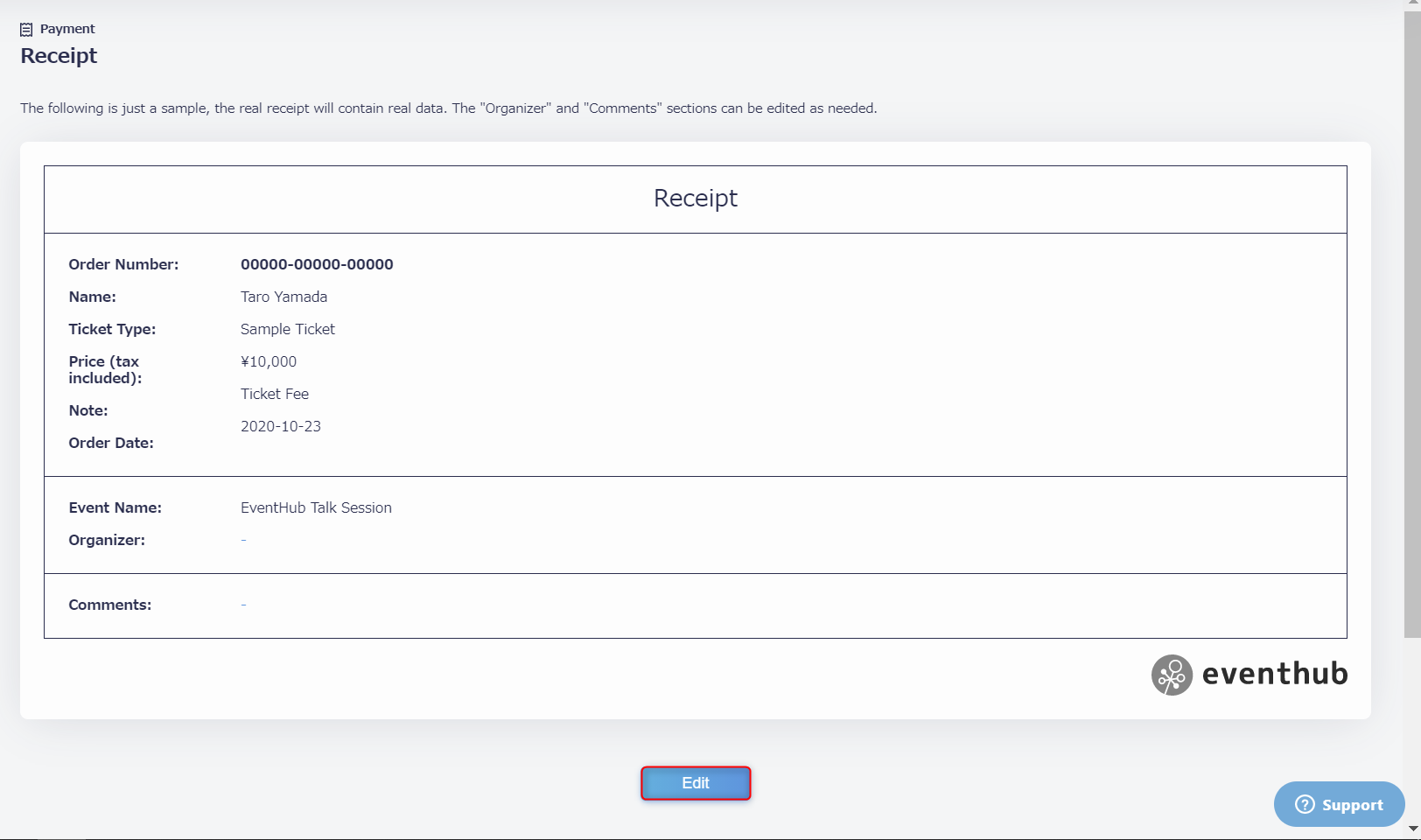
Please note that the note within the receipt is fixed to display 'Ticket Fee'.
<tips> If you wish to change the name addressed on the receipt, please edit the name you entered when you registered for the event. The change will be automatically reflected on the receipt. </tips>
Learn how to edit 'Organizer' and 'Remarks' in the next section.
2. Customize the content of receipts
Location: Payment > Receipt
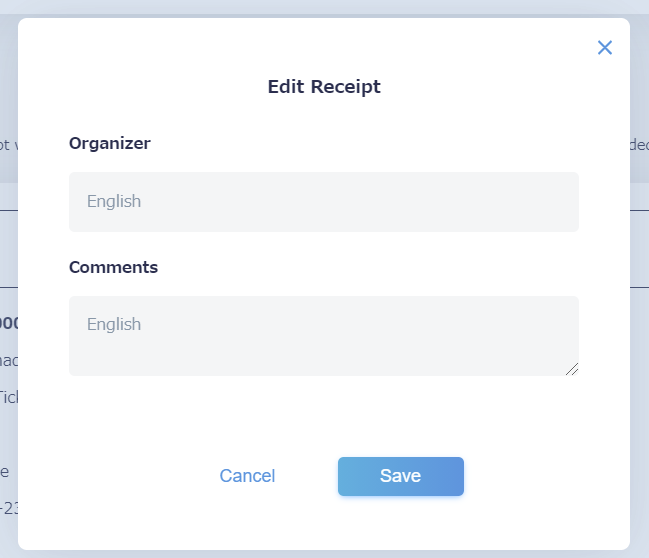
Click the Edit button to display the editing modal.
<tips> The receopt template will be displayed, but the order nnumber, name, ticket type, price, order date, and event name will be sample data. </tips>
▼’Organizer’ and 'Remarks' can be edited here.